
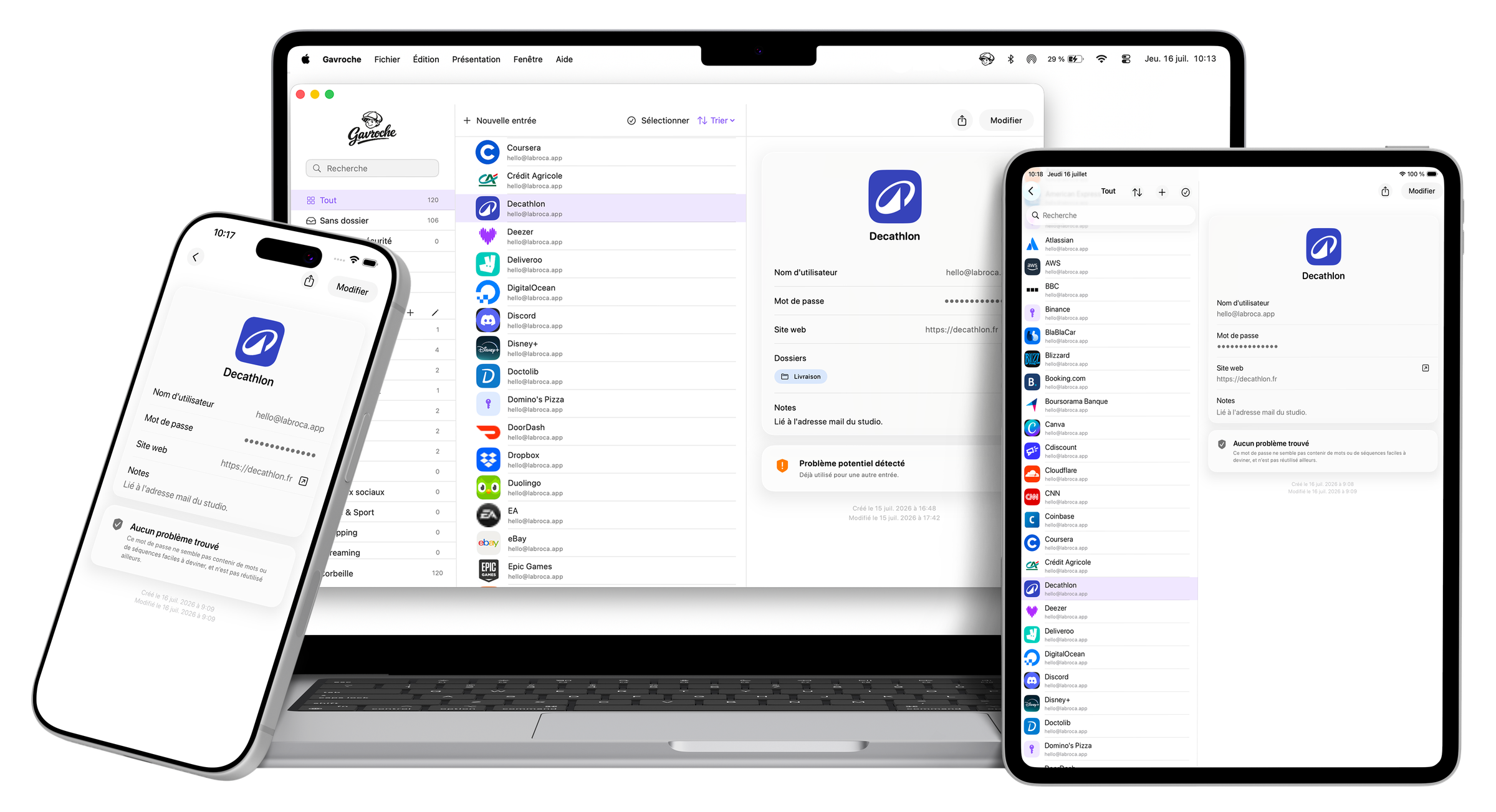
Gavroche encrypts your passwords and keeps them on your devices, not on our servers, because there aren't any. Face ID or Touch ID unlock, native autofill, an advanced generator, and syncing between Mac and iPhone entirely under your control.


Works with Mac: macOS 14.0 (Sonoma) or later · iPhone/iPad: iOS/iPadOS 16.0 or later
100% local
Your vault is encrypted and stored on your devices. No server, no account to create.
Face ID and Touch ID
Instant biometric unlock on Mac and iPhone.
Autofill
Native iOS and macOS extension: Gavroche offers your credentials everywhere, in one move.
Syncing under control
Between your devices via Multipeer locally, or optionally via iCloud, always end-to-end encrypted.

Nothing leaves your home
Your passwords
never leave your devices.
Unless you decide otherwise.
No account to create, no server that could be hacked, no business model built on your data. Gavroche encrypts your vault and keeps it on your Mac and your iPhone. Syncing between your devices stays entirely under your control: locally via Multipeer, or optionally via iCloud, always end-to-end encrypted.
Security
Every password, checked and kept healthy.
Detection of weak or reused passwords, duplicates, master password hint: Gavroche watches over your vault continuously, without ever sending anything online.
kitten
Weak
No issue found
Generation
Strong passwords, in one move.
Random, memorable, or PIN code: three ways to generate a robust password, right from the form or the Mac menu bar.
vR2#malo84!xQ7
Organization
Folders for everything, effortlessly.
Banks, work, family: create your folders in one click and sort each password with a simple drag and drop. An entry can even belong to several folders at once.
Experience
Clean, fluid, and complete.
A clear interface that gets straight to the point, careful fluidity in every detail, and everything you'd expect from a great password manager, and then some.
Our take on pricing
One single payment.
Never a subscription.
At a time when even password managers are turning into monthly subscriptions, we made a different call. The Mac version of Gavroche is a one-time purchase, 19.99 USD, full stop: no subscription, no bad surprise, no feature locking up at renewal time. On iPhone, the app is entirely free.